





The internet is full of useful websites that can make everyday life easier. Yet, many of us spend hours searching for solutions to simple problems that could take just a few minutes to fix. From editing photographs and converting documents to checking grammar and finding reliable research, the right websites can save time, reduce stress and make us more productive.
You probably know Google, YouTube and Facebook. However, there are several lesser-known internet gems that deserve a place in your bookmarks.
We have put together ten useful websites worth exploring. Some are completely free, while others offer additional features through paid plans. More importantly, each one solves a practical problem. 
1. Google Lens – Search With Your Camera
Have you ever seen an unfamiliar plant, spotted an interesting item or received a photograph containing text you wanted to copy? Instead of struggling to describe it in a search engine, try Google Lens.
This tool allows you to search using photographs, screenshots and your phone camera. You can identify objects, find similar products, translate text and extract words from images.
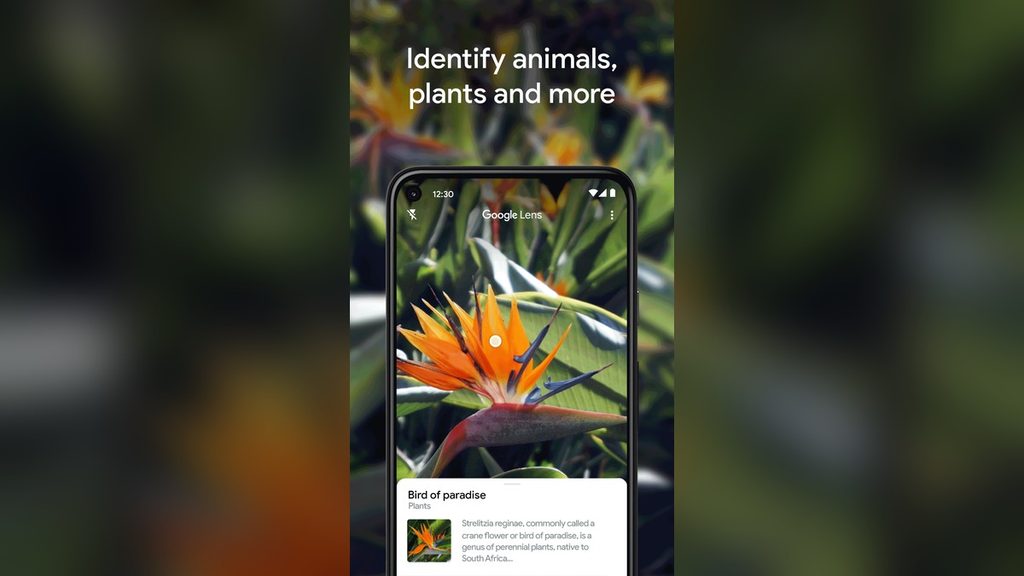
For instance, imagine receiving a picture of a printed document. Rather than typing everything manually, Google Lens can help extract the text.
It is particularly useful for students, shoppers and anyone who frequently works with images.
2. PDF24 – Your Online Document Assistant
If you regularly work with PDF documents, PDF24 could become one of your favourite discoveries.
The website provides tools for merging, splitting, compressing, converting and editing PDF files. You can also add page numbers, rotate pages and convert documents into different formats.
Imagine having five separate PDF documents that need to become one file before submission. Instead of installing complicated software, you can use PDF24 to combine them.
Even better, its tools are available without a subscription or registration. However, remember to check the processing method before uploading confidential documents.
3. Squoosh – Make Large Images Smaller
Large photographs can slow down websites and make uploads frustrating. Squoosh offers a simple solution.
The website compresses images and allows users to compare their original and reduced versions. You can also adjust the image quality and choose different file formats.
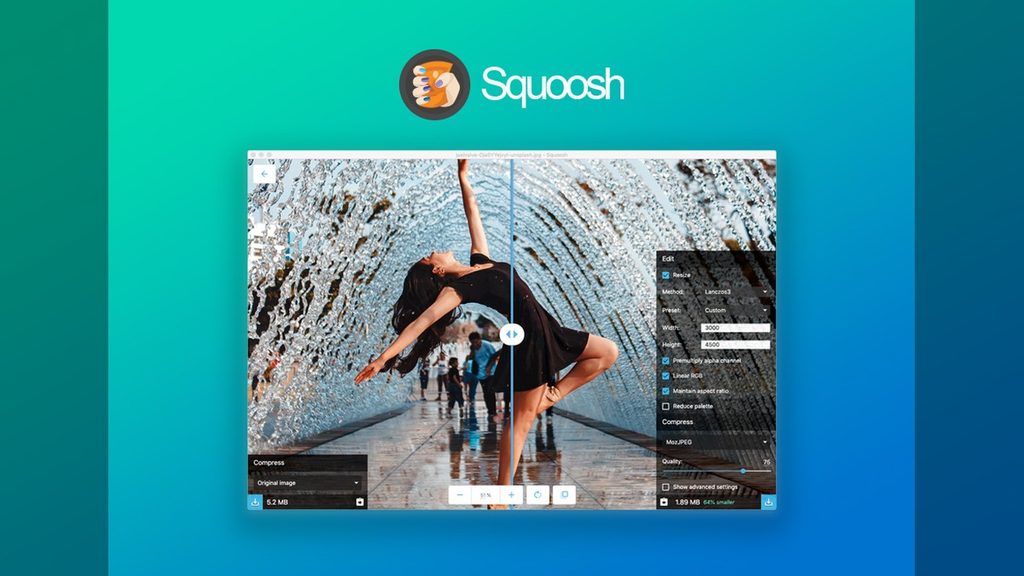
For bloggers, photographers and content creators, this can be particularly helpful.
For example, if your website refuses to accept a photograph because the file is too large, Squoosh can help reduce its size without requiring complicated editing software.
Another advantage is that image compression happens locally in your browser. Your photographs are not sent to a remote processing server.
READ ALSO: The Best AI Tool For Your Business in 2026
4. Photopea – A Photo Editor Without the Installation
Need to edit a photograph but don’t have Photoshop installed? Photopea might be exactly what you need.
This browser-based image editor supports both photographs and vector graphics. You can resize images, remove backgrounds, work with layers, create designs and perform more advanced editing tasks.
It also supports popular file formats, including PSD.
For small business owners, bloggers and social media managers, Photopea offers a convenient alternative to downloading heavy editing applications.
Interestingly, the editor runs directly on your device and does not upload your files to its servers.
5. Canva – Design Without Being a Professional Designer
Not everyone has the skills or resources to hire a graphic designer. Fortunately, Canva makes everyday design work much easier.
From business flyers and birthday invitations to presentations, posters and social media graphics, the platform provides ready-made templates that users can customise.
You simply select a design, change the text, upload your photographs and adjust the colours to suit your needs.
For entrepreneurs, students, teachers and content creators, this can save considerable time.
Canva has a free plan with useful design features. However, some templates, images and advanced tools require a paid subscription.
6. DeepL – A Translation Tool Worth Discovering
Language barriers can make communication difficult, especially when dealing with foreign documents, websites or correspondence.
DeepL is an online translation service that helps users translate text and documents between supported languages.

It supports several African languages, including Igbo and Hausa. This makes it particularly interesting for Nigerians who want to explore translations beyond the more commonly available languages.
For example, someone working with an English document could use DeepL to produce a translation in another supported language.
However, machine translations are not always perfect. Therefore, important documents should still be reviewed by someone familiar with the language.
7. LanguageTool – Give Your Writing a Second Look
Whether you are writing an email, preparing an assignment or publishing an article, grammatical errors can affect how your message is received.
LanguageTool helps identify spelling mistakes, punctuation problems and certain grammatical and stylistic issues.
You can paste your writing into its online editor and review the suggestions. It also offers paraphrasing features that can help improve sentence structure.
For students, professionals and writers, this can be a useful final check before submitting or publishing a document.
The free version handles basic corrections, while more advanced suggestions are available through its paid plan.
8. Google Scholar – Find Research Beyond Ordinary Search Results
Sometimes, an ordinary Google search is not enough. Students, researchers, journalists and professionals may need credible academic material to support their work.
That is where Google Scholar comes in.
The platform helps users discover academic papers, research articles, theses, books and other scholarly publications.
For instance, someone writing an article about unemployment in Africa could search for academic research on employment trends, labour markets and economic development.
Instead of spending hours navigating unrelated websites, Google Scholar provides a more focused starting point.
However, not every result offers free full-text access. Some publications require payment or access through an institution.
9. ZoteroBib – Create References Without the Headache
Anyone who has prepared an academic assignment or research paper understands how time-consuming referencing can become.
ZoteroBib makes this process easier.
The free online tool helps users create bibliographies and citations in different referencing styles. You can enter a book title, article details, website address or other publication information and generate a reference.
It is particularly useful for students, researchers and writers who need to organise their sources properly.
Rather than formatting every reference manually, ZoteroBib does much of the work for you. Still, it is worth checking the final details for accuracy.
10. Excalidraw – Turn Your Ideas Into Pictures
Sometimes, explaining an idea with words alone can be difficult. A simple drawing or diagram may communicate it much faster.
Excalidraw is an online whiteboard that allows users to sketch, create diagrams, map out ideas and collaborate visually.
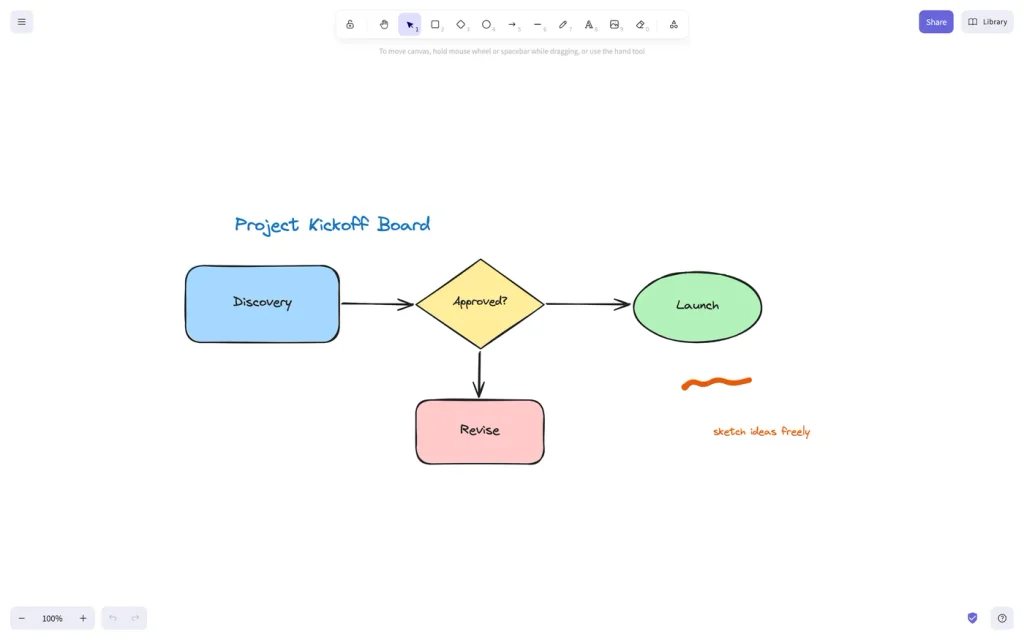
You can use it to plan a project, explain a business process, organise your thoughts or illustrate a presentation.
Its hand-drawn appearance also makes diagrams feel less formal and more approachable.
For teachers, entrepreneurs, students and project teams, it can be a useful tool for turning complicated ideas into something easier to understand.
The Internet Has More to Offer Than Social Media
The internet is not just a place to catch up with friends, follow trends or watch entertaining videos. It is also a vast collection of tools that can simplify everyday activities.
From Google Lens and PDF24 to Google Scholar and Excalidraw, these useful websites show how a little digital discovery can save valuable time.
You don’t have to use all ten. Start with the ones that solve problems you encounter regularly. Bookmark them, explore their features and see which ones fit into your daily routine.
You might be surprised by how much time you save.
READ MORE: New AI Tool Can Predict Cancer Survival Chances Using Selfies in Groundbreaking Study

About The Author