


The Nigerian Communications Commission (NCC) has made a move to disconnect unverified phones and SIM-enabled devices used in the country.
In light of this, Nigerians using imported or second-hand phones, including popular UK-used devices, are receiving SMS alerts from the NCC.
The messages warn that their phones could be disconnected from mobile networks within 30 cumulative days if not verified. 
What the Alerts for NCC Verification Mean
The alerts form part of the NCC’s Device Management System (DMS). This platform checks whether SIM-enabled devices meet Nigeria’s type-approval requirements by tracking each phone’s unique IMEI number.
The NCC verification aims to curb illegally imported, counterfeit, and non-compliant phones. It also aims to help block reported stolen devices across networks.
Customers have received typical messages that read:
“Your [phone model] is not verified for use on Nigerian mobile networks. You have 30 cumulative days before disconnection. Contact your seller or dial 315”
This alert from NCC does not mean the phone is fake or defective. It means the device was not registered under the NCC’s type-approval process when it entered or was sold in Nigeria.
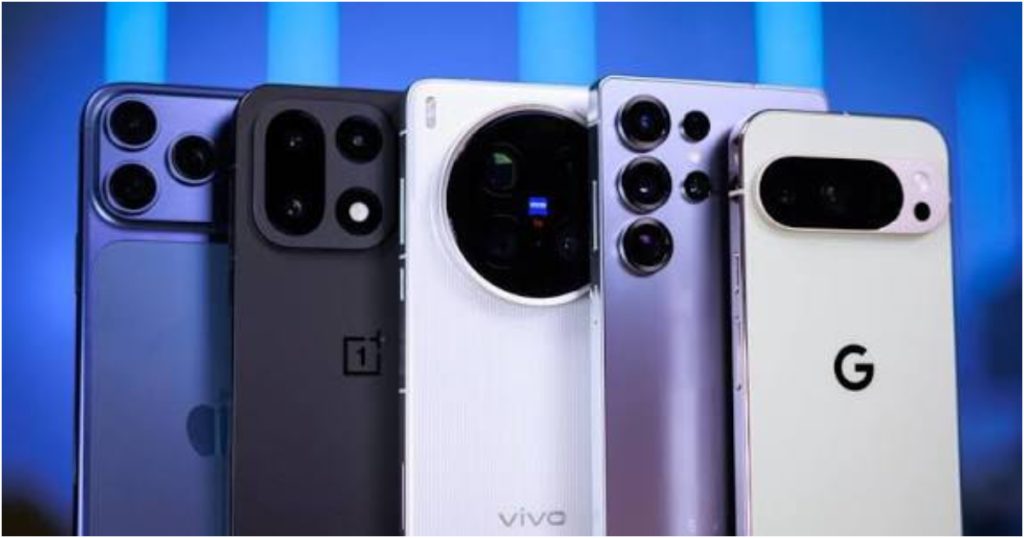
The measure applies across brands, including iPhones, Infinix, Tecno, and Google Pixel.
Why This Is Happening
The DMS strengthens oversight of the device market beyond SIM registration. Officials say unapproved devices often enter through unofficial channels.
Once fully operational, non-compliant phones will be restricted from Nigerian networks. Legitimate owners who bought phones abroad will have a registration pathway.
How to Check Your Phone
1. Dial *#06# to display your IMEI number.
2. Dial *315# and select “Check this device,” then follow the prompts.
3. If verified, keep a screenshot for your records.
4. If not verified, contact the seller immediately or call the NCC’s toll-free line 622 for guidance.
The NCC verification is separate from the NIN-SIM linkage process. It focuses solely on the device itself. Users are advised not to ignore the alerts, as service disruption, including the inability to make calls, send texts, or use data, could follow after the 30-day warning period.
SEE ALSO: In a Room of 10 Nigerians, 5 Use MTN: Analysing NCC’s Recent Stats

About The Author