





Have you ever opened a website and been greeted with a banner saying something about “cookies”?
No, the internet isn’t offering snacks, at least not the chocolate chip kind. In digital terms, website cookies are tiny pieces of data that help the sites remember you and your preferences. They make the internet feel personalised, convenient, and sometimes, a little too attentive.
Despite the friendly name, cookies aren’t edible, and they don’t sit in your browser eating your data. Instead, they’re text files stored by your browser that contain little bits of information, like your login status, language preference, or items in a shopping cart. 
The next time you return to a site, your browser hands that cookie back, helping the site recognise you instantly.
ALSO READ: How to Become a Twitch Streamer in 2026: A Complete Beginner Guide
Why Websites Use Cookies
Website cookies play a big role in your everyday web experience. Without them, even simple things like staying logged into your favourite sites, keeping items in your online cart, or showing content that matches your interests would feel like a chore.

Web developers use cookies to:
- Store login and session info, so you don’t have to re-enter passwords every time.
- Remember your preferences, like language or display settings.
- Track your activity on a site so relevant suggestions or ads can be shown.
- Help sites run more efficiently, sparing servers from storing every little detail about you.
In that sense, cookies are like friendly reminders that make web browsing smoother. But they can also hold data that, if misused, can feel creepy or intrusive.
First-Party vs. Third-Party Website Cookies
Not all cookies are created equal.
First-party cookies come directly from the site you’re visiting. They’re usually harmless and help that site remember things for your convenience. These are the cookies that store your login or cart items.
Third-party cookies, on the other hand, originate from places other than the site you’re on. This is usually because of ads or plug-ins. These cookies have historically been used to track your behaviour across multiple sites, building a profile of what you look at online. That’s why you might see ads for shoes everywhere after just one search.
Because of privacy concerns and laws like the EU’s GDPR and California’s CCPA, many browsers now let you opt out of these tracking cookies. Some, like Chrome, phased them out entirely by 2024.
Session vs. Persistent Website Cookies
Cookies also differ based on how long they stick around.
Session cookies are temporary. They only last while you’re on a site and disappear when you close your browser. They help with things like the back button or filling out forms without retyping.
Persistent cookies stay on your device until they expire or you remove them. They help remember your preferences or track repeat visits over time, making future browsing feel personalised.
ALSO READ: Why Ethiopia Is Still in 2018 While the Rest of the World Lives in 2026
Some Website Cookies Are a Little Creepy, But You Can Manage Them
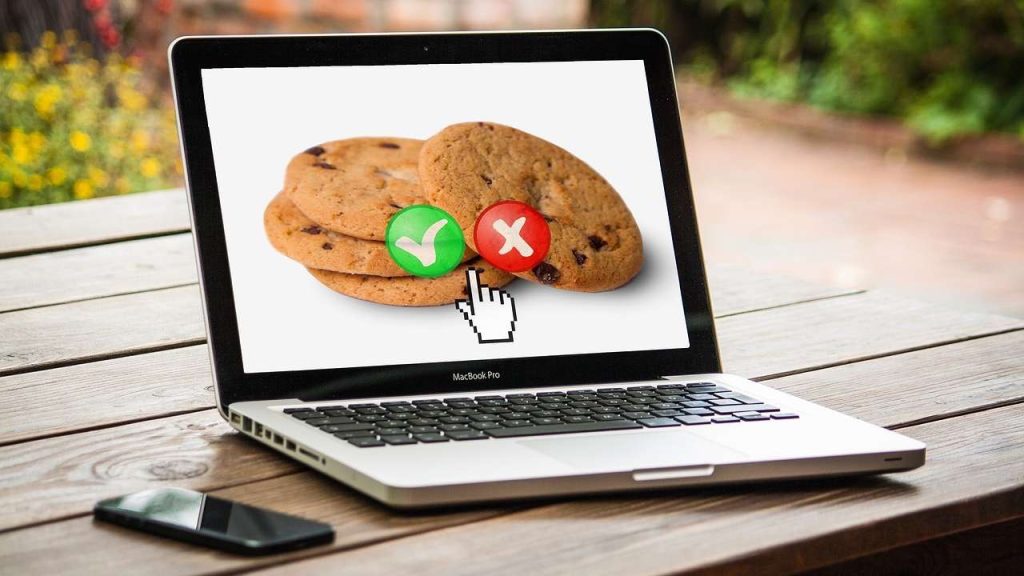
Some website cookies aren’t here to help you. They help advertisers track you. These tracking cookies watch where you go, what you click, and what pages you linger on. That data can be great for targeted ads, but it can also feel like an invasion of privacy.
Thankfully, most browsers let you control website cookies:
- Head to your browser’s Settings > Privacy section.
- You can enable or disable cookies.
- You can delete them at any time, though this may mean sites forget your preferences.
Some sneaky ones, called zombie cookies or supercookies, can reappear even after deletion. These are rare. But knowing how cookies work makes it easier to protect yourself with tools like private browsing modes or VPNs.
Final ‘Bite’
Cookies are one of the oldest tricks in the modern internet’s book, and they’re fundamental to how the web works today. They help sites remember you and make browsing smoother. But sometimes, they serve you ads that feel a bit too familiar.
Understanding cookies means you’re not just clicking “Accept” blindly. Next time, you’re choosing how the internet remembers you. Next time that cookie banner pops up, you’ll know: it’s not dessert. It’s digital convenience and a bit of data diplomacy.

About The Author