


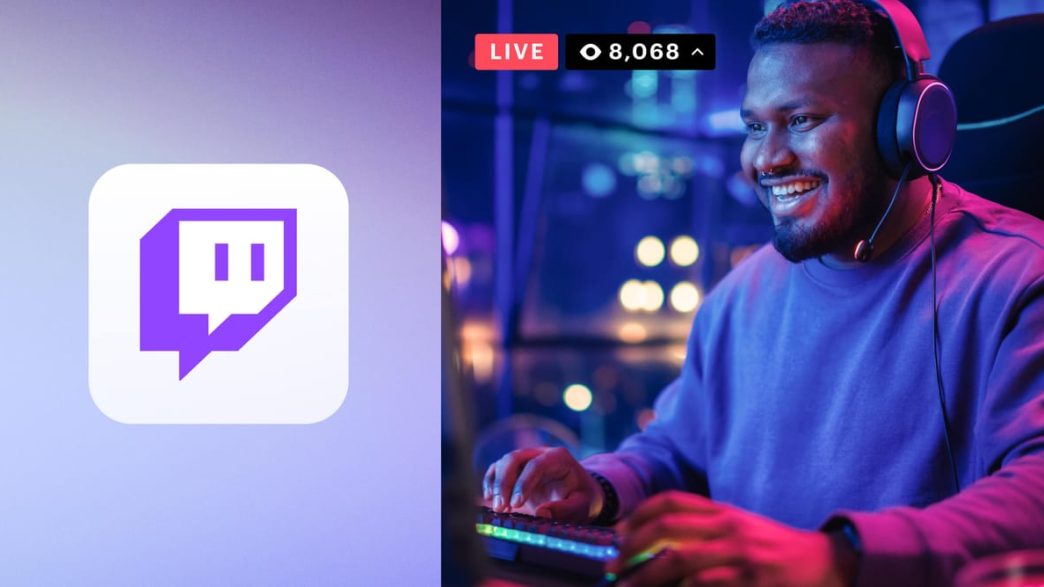
Twitch started as a platform for live gameplay but has now evolved into one of the world’s largest live-content ecosystems, where creators stream everything from conversations and music to art, cooking, fitness, and real-life experiences.
Today, Twitch attracts millions of daily active users, and for many creators, it has grown into a full-time career, or at least a reliable side income.
Becoming a Twitch streamer isn’t just about going live. It requires the right tools, a clear niche, consistency, and a solid understanding of how Twitch monetization actually works. 
This guide explains everything you need to know, step by step, from setting up your first stream to understanding how streamers make money, how many followers you need, and what you can realistically earn over time.
ALSO READ: Africa’s Top 10 Most Followed Twitch Streamers (2025)
How to Become a Twitch Streamer in 2026
1. How to Get Started on Twitch
Create Your Twitch Account
- Visit https://www.twitch.tv/
- Sign up using email or phone number
- Choose a username that reflects your content or brand (avoid random numbers if possible)
Be deliberate about your username because it becomes your brand and changing it later can affect recognition.
2. Decide What You Will Stream
Choosing the right niche is one of the most important decisions you’ll make as a streamer. It affects:
- How discoverable you are
- Who your audience will be
- How easy it is to grow and monetize
Below are popular and profitable Twitch niches:
Gaming
Still the most popular category on Twitch.
- Competitive games (FPS, esports titles)
- Casual gaming
- Retro games
- Speedrunning
- Story-based games
Pros: Large audience
Cons: Highly competitive
Just Chatting
One of the fastest-growing categories on Twitch.
- Talking to viewers
- Q&A sessions
- Commentary on trends, news, pop culture
- Advice streams
This niche relies heavily on personality and engagement rather than skill.
Creative Arts
Includes:
- Digital art
- Painting
- Drawing
- Graphic design
- Animation
Popular with artists building a fanbase or selling commissions.
Music
- Singing
- Live instrument performances
- Beat making
- DJ sets
- Songwriting sessions
Musicians often combine Twitch with Patreon, merch, and tips.
Food & Cooking
- Live cooking
- Recipe tutorials
- Cultural food streams
- Baking sessions
This niche works well with brand sponsorships and affiliate marketing.
Fitness & Wellness
- Home workouts
- Yoga sessions
- Stretch routines
- Wellness discussions
This niche requires adherence to Twitch safety and health guidelines.
Education & Tutorials
- Coding
- Language learning
- Exam prep
- Career advice
- Writing and journalism tutorials
This is a highly valued niche with loyal audiences.
IRL (In Real Life) Streaming
- Daily routines
- Travel
- Outdoor walks
- Events
This niche is engaging but requires strong moderation and safety awareness.
Talk Shows & Podcasts
- Interviews
- Panel discussions
- Community debates
This niche is often repurposed for YouTube and Spotify, thereby increasing income streams.
PRO Tip: Niches like Just Chatting, Education, Music, and Creative are often easier to grow in than oversaturated gaming categories.
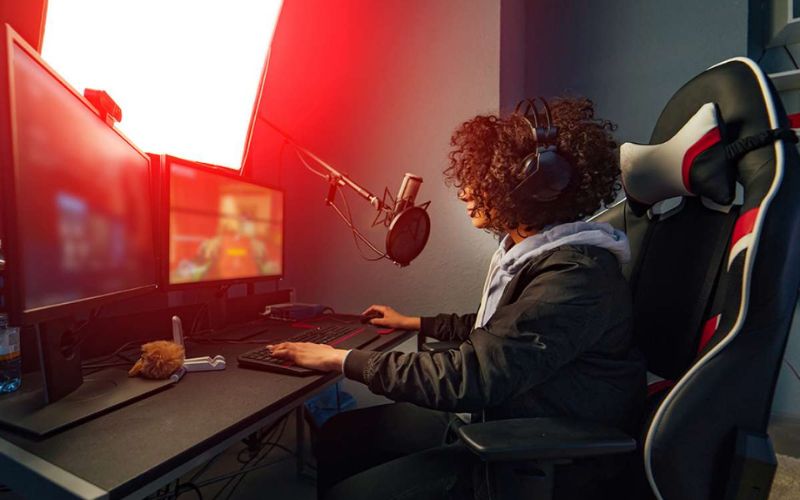
3. What Equipment Do You Need to Stream on Twitch
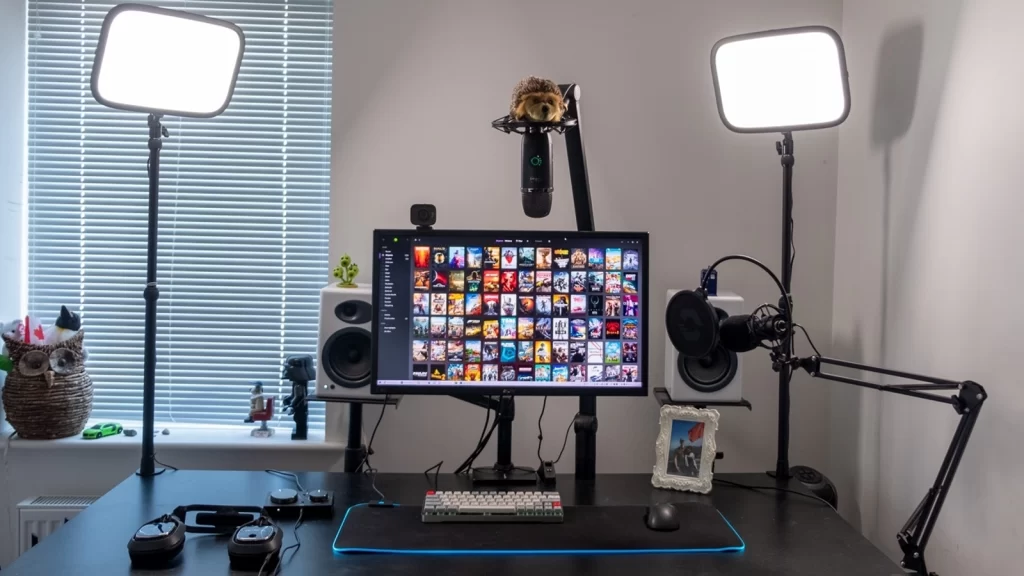
A. Computer or Console
Your device runs the game and the streaming software.
- PC/Laptop: Best for flexibility
- Gaming Console: PlayStation and Xbox support Twitch streaming directly
A PC with:
- Decent graphics card will handle most beginner streams.
- At least 8GB RAM
- A modern CPU
B. Microphone (Very Important)
Audio quality is often more important than video.
- Built-in laptop mics = poor quality
- USB microphones = best for beginners
- Clear audio keeps viewers engaged
C. Webcam
Not mandatory, but highly recommended.
- Helps viewers connect with you
- Increases trust and engagement
1080p webcams are ideal, but even basic webcams work when lighting is good.
D. Lighting
Good lighting can make a cheap camera look professional. You need:
- Ring lights
- Softbox lights
- Natural daylight
E. Internet Connection
A stable connection is essential.
Recommended:
- Upload speed: 5–10 Mbps minimum
- Wired Ethernet is better than Wi-Fi
YOU MIGHT LIKE: The Davido Effect: 3 Records Carter Efe Broke to Become Africa’s Most-Followed on Twitch
4. Streaming Software: What It Is & How It Works
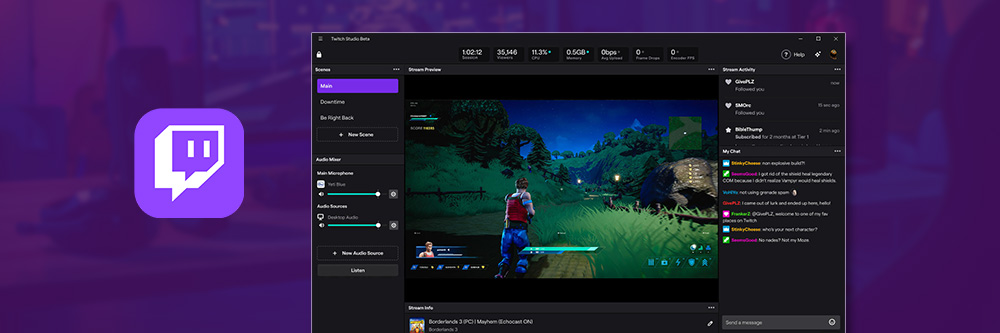
Streaming software connects your camera, microphone, screen, and gameplay and sends it live to Twitch.
How Streaming Software Works
- Captures video (game, webcam, screen)
- Captures audio (mic, system sounds)
- Combines everything into one broadcast
- Sends it live to Twitch servers
Popular Streaming Software You Can Use
A. OBS Studio (Free)
- Most widely used
- Highly customizable
- Open-source
Best for streamers who want full control.
Get it here: https://obsproject.com/
B. Streamlabs
- Beginner-friendly
- Built-in alerts, overlays, and donations
- Easier setup than OBS
Get it here: https://streamlabs.com/
C. XSplit
- Paid software
- Professional features
- Popular with esports streamers
Get it here: https://www.xsplit.com/
What You Use Streaming Software For
- Scene switching
- Alerts (subs, donations, follows)
- Overlays and branding
- Screen capture
- Audio mixing
- Stream recording
5. Growing Your Twitch Channel
Growth depends on visibility and engagement including other factors like:
Consistency: Streaming on a schedule trains viewers to return.
Chat Interaction: Talking to viewers keeps them watching longer.
Networking: Collaborate with similar streamers, join Discord communities and raid other channels.
Promotion Outside Twitch: Post short clips on TikTok, YouTube Shorts and Instagram Reels. This will drive massive traffic to Twitch.
6. How Twitch Monetization Works
A. Twitch Affiliate
You can apply once you reach:
- 50 followers
- 3 average viewers
- 8 hours streamed
- 7 unique days
Affiliates earn through:
- Subscriptions – A monthly payment viewers make to financially support a streamer in exchange for perks like emotes, badges, and ad-free viewing.
- Bits – Twitch’s virtual tipping system that lets viewers “cheer” during live streams, with streamers earning about $0.01 per Bit.
- Ads – Short video advertisements shown on a streamer’s channel, which generate revenue based on the number of viewers and ad impressions.
B. Twitch Partner
Requires:
- 75 average viewers
- Consistent streaming
- Manual review by Twitch
Partners earn more and unlock better features.
7. How Much Money Do Twitch Streamers Make?
- Small streamers: $50–$750/month
- Mid-level: $500–$2,000/month
- Large creators: $5,000+ monthly
- Top streamers: six to seven figures annually
Twitch does not pay per follower, income comes from engagement.
Becoming a Twitch streamer is a mix of creativity, consistency, and strategy. While not everyone becomes a top earner, many creators build sustainable income streams through smart niche selection, audience engagement, and diversified monetization.

About The Author